Play Training
Use Manual Product Allocations
Number of Guide Steps: 3
In Vision VX, advertisers have the option to exercise more granular and hands-on control over budget allocations through the use of manual controls. T
his feature allows for a level of precision that is particularly valuable when specific adjustments are needed to align the budget distribution with unique campaign strategies or nuanced considerations.

- 1. Access Manual Controls:
- 2. Adjust Budgets Using Sliders
- 3. Increasing or Decreasing Budget
Access Manual Controls:.
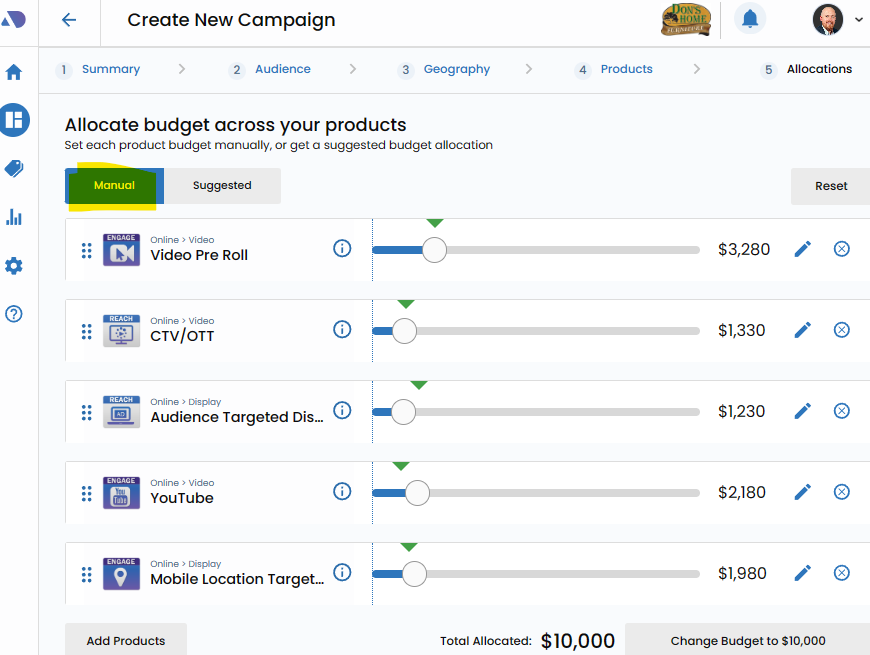
To engage manual budget allocations, begin by clicking the "Manual Controls" button. This action opens up a more detailed view, providing users with the ability to directly intervene in the budgeting process.
Adjust Budgets Using Sliders.
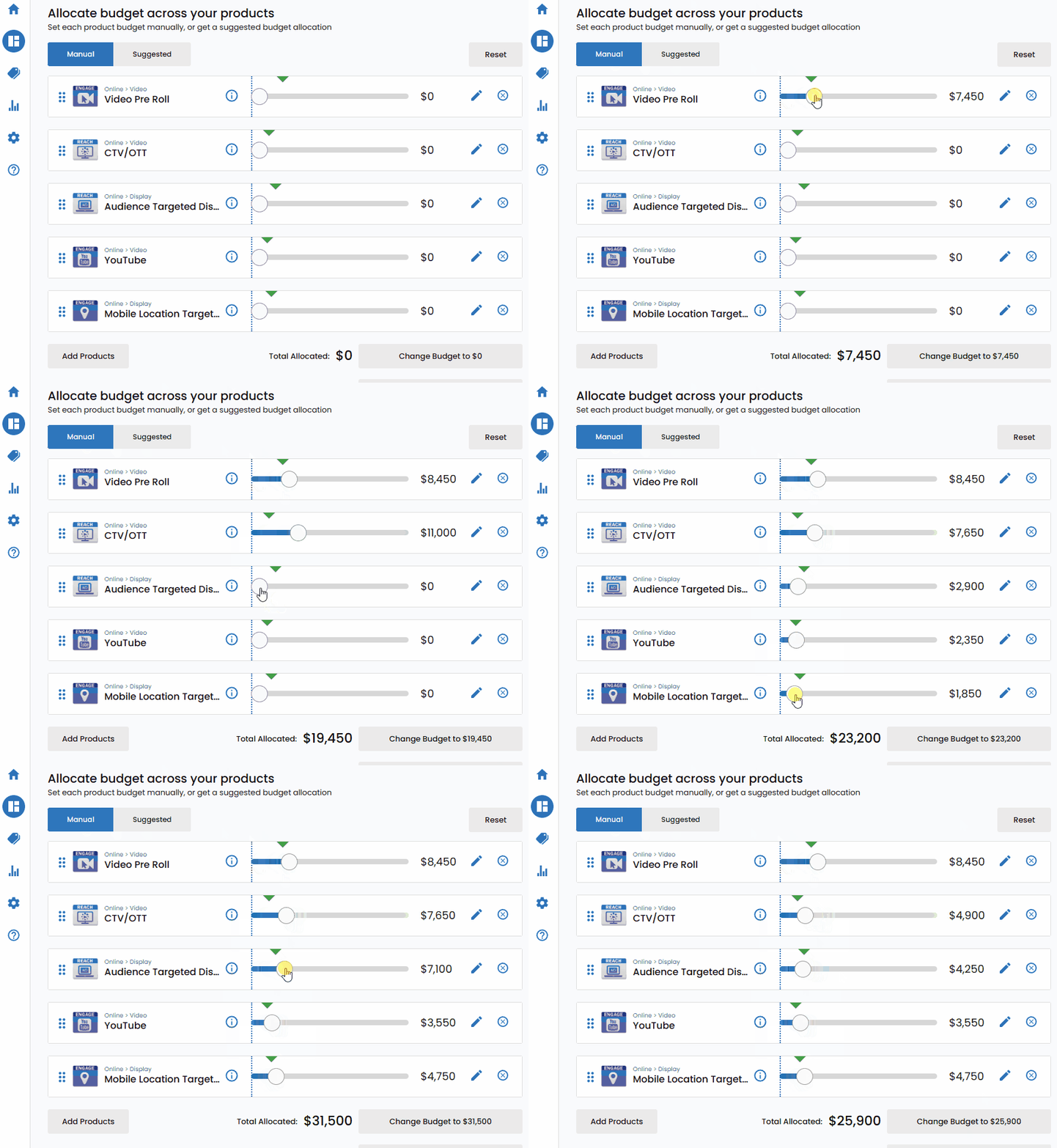
Once in the manual controls mode, users can take advantage of sliders associated with each product to make precise adjustments to the budget allocation. By dragging the sliders, advertisers can fine-tune the budget distribution according to their specific preferences, strategic objectives, or any unique considerations relevant to the campaign.
Increasing or Decreasing Budget.
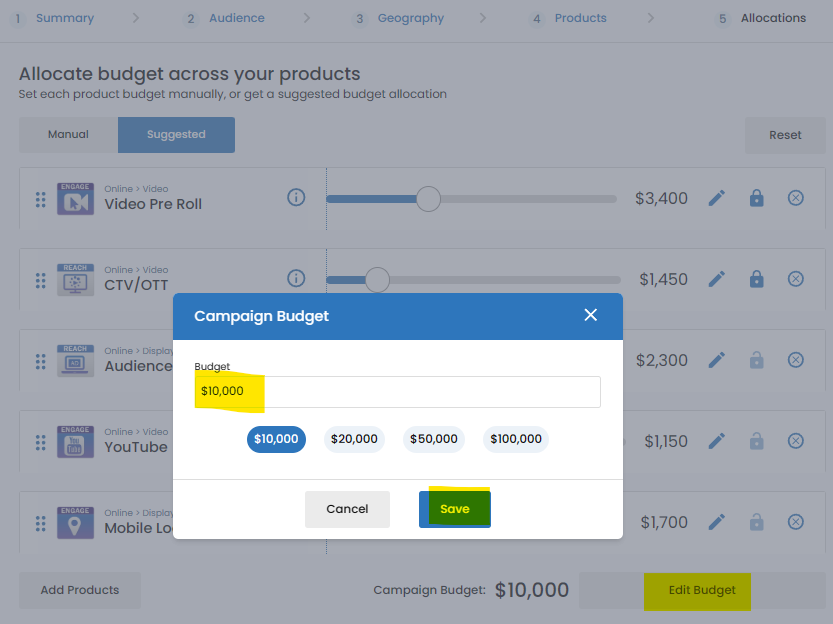
To add or subtract budget from a particular product, Vision VX introduces the "Edit Budget" button.
Clicking on this button allows users to enter specific budget amounts manually, offering an additional layer of customization and control over the financial allocation for each product.