Play Training
How it Works
Introduction 1 of 10
Navigating the Path of Sold Orders
Embark on a streamlined and transparent journey through the Sold Order Process within Vision VX, a meticulously designed workflow that maximizes visibility into the status of your order. This process ensures a seamless handoff point with your sales enablement team, transforming the complexities of order fulfillment into a clear and linear progression.
 Related How To Guides:
Let's walk through the steps of the Sold Order process in Vision VX.
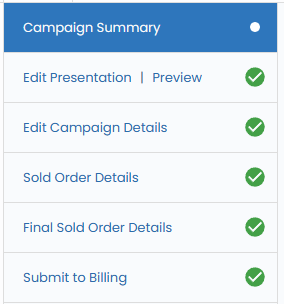
1. Complete Campaign Details
Ensure accuracy from the outset by validating your campaign details. Rates, dates, impressions, and quantities should align with your campaign objectives. Dive into the intricacies of campaign details through the Campaigns Playbook in the training section.
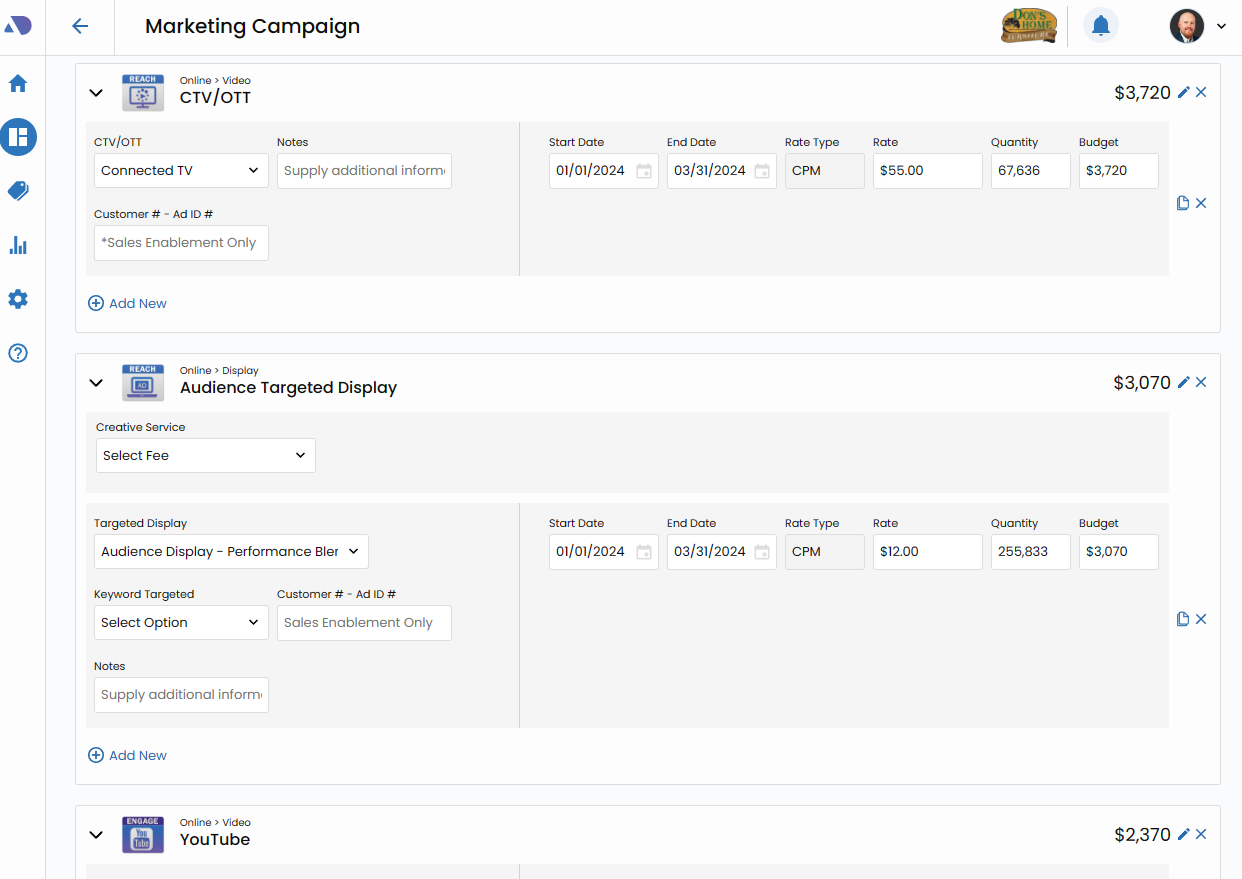
2. Confirm Sold Order Details
Transition smoothly to Sold Order Details, a workflow step tailored for Amplified Digital products fulfilled by Vision VX through its performance partner, Affinity X Digital. This step validates and confirms targeting and other crucial information vital for the fulfillment process.
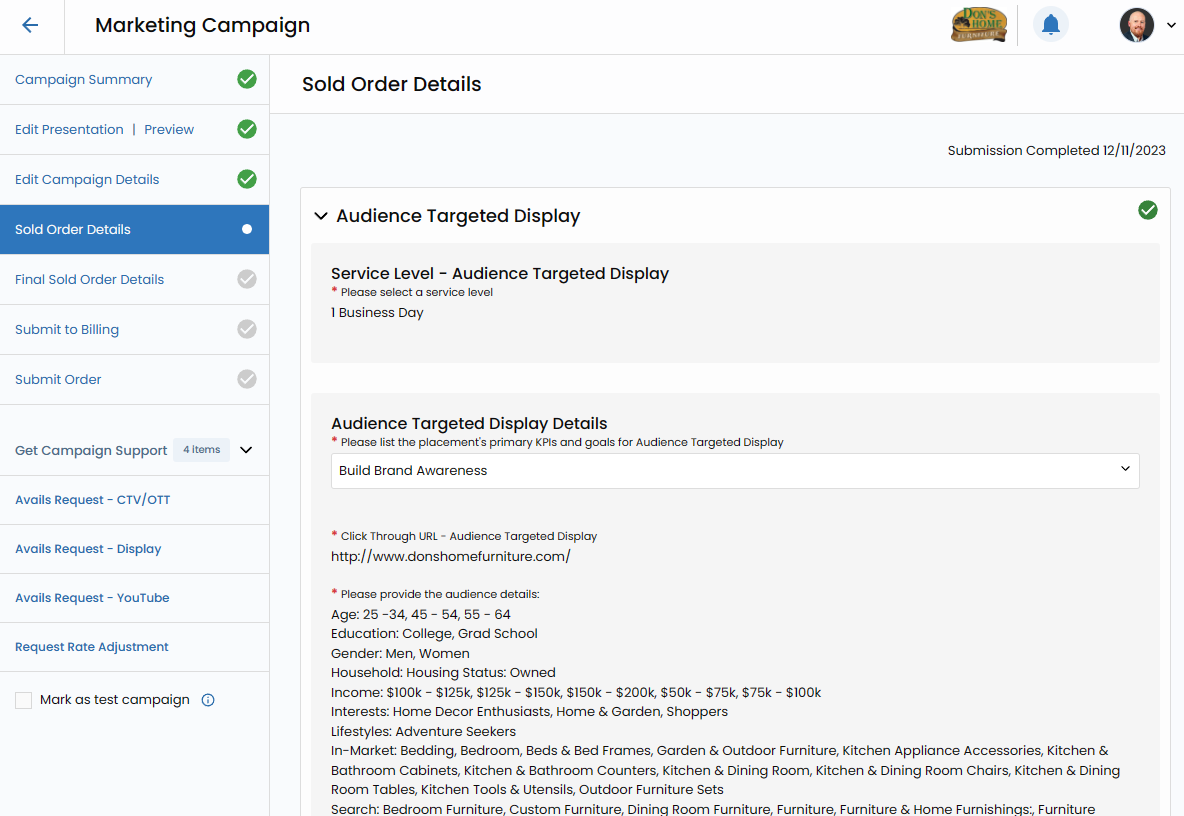
3. Confirm Final Sold Order Details
Progress to Final Sold Order Details, a crucial step managed by your Sales Enablement team. Here, finalize order fulfillment details, including creative requirements, additional targeting needs, and run dates for print.
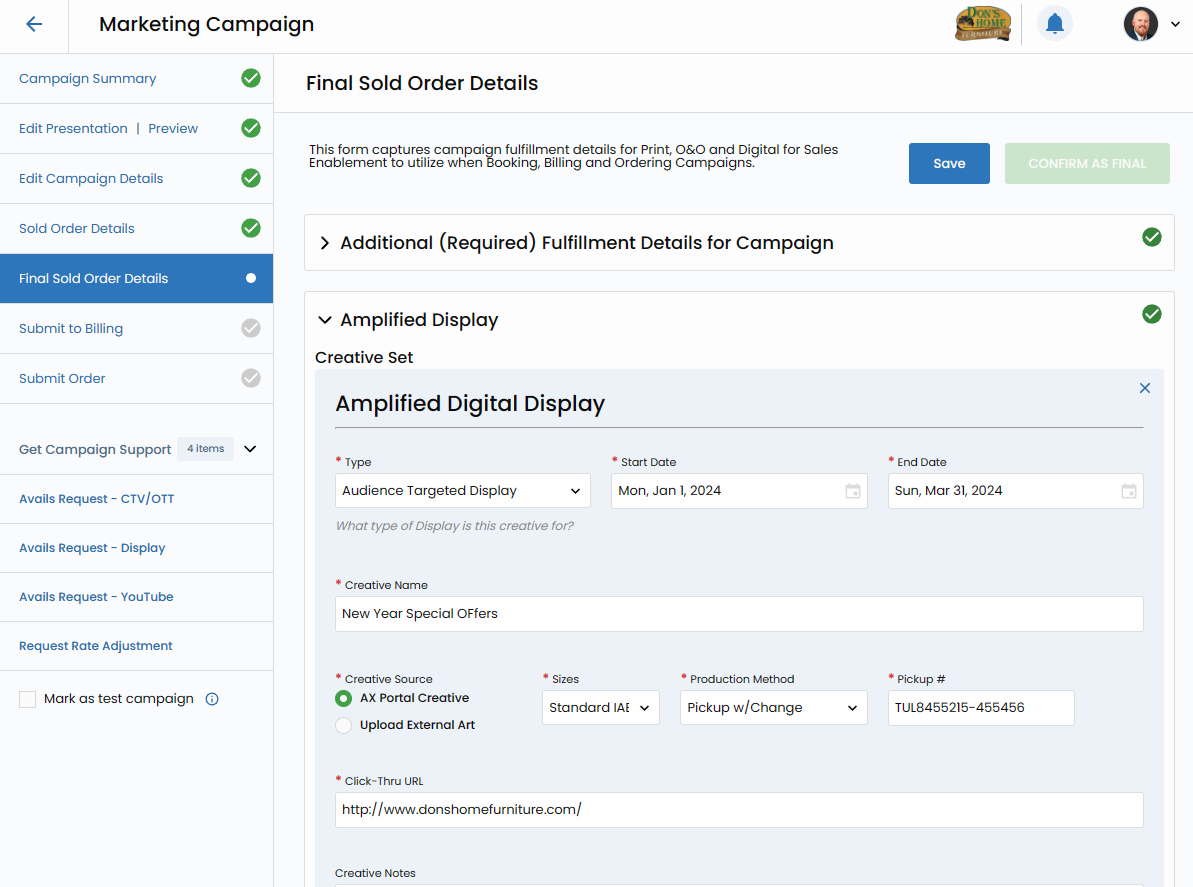
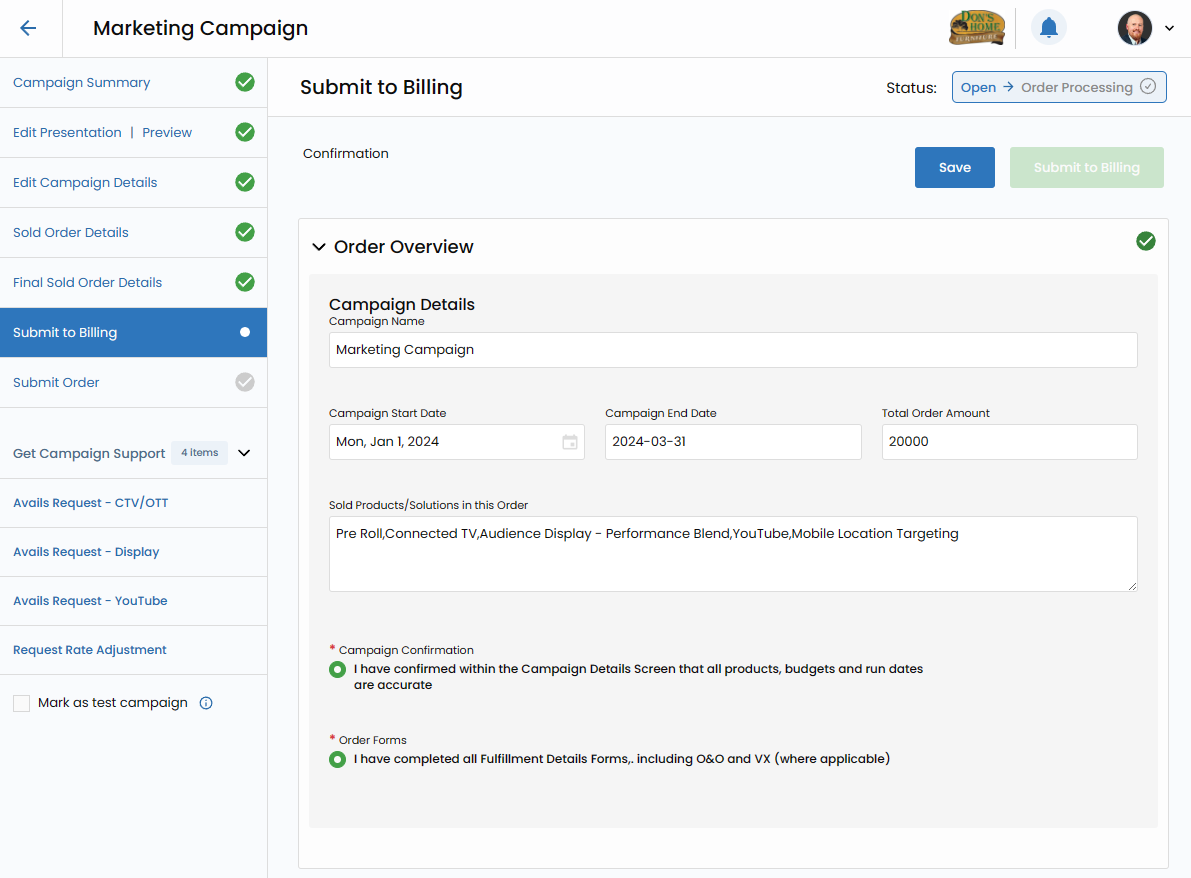
4. Submit to Billing
The penultimate step involves submitting the order to billing. Confirm that all information is complete, triggering the order to be booked and billed in the finance system, which may include platforms like Phoenix, Adbase, or AdPoint.
Order Submit & Go-Live Process
Final Order Submit (Sales Enablement)
After Booking and Billing, Sales Enablement inputs Customer # and Ad # for Amplified Digital, submitting the final order to Titan. This initiates the fulfillment process with Affinity X, marking the beginning of the order's journey to realization.
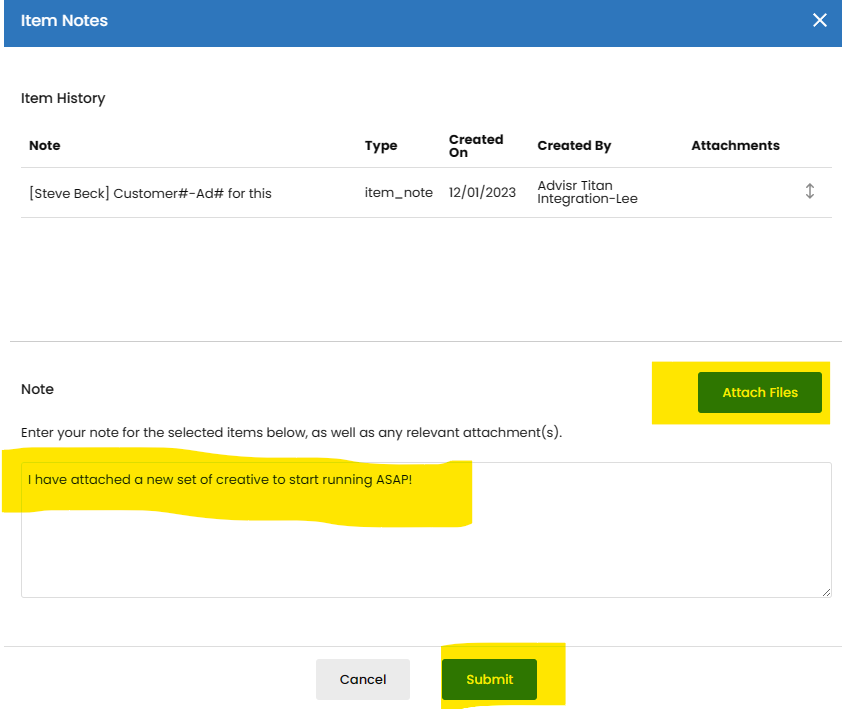
Creative
During the fulfillment process, Affinity X may request additional details or creative assets. Utilize the notes fields to communicate seamlessly with Affinity X campaign managers, ensuring a collaborative and efficient creative development process.
Titan (Affinity X)
The heart of order fulfillment lies within Titan, where Affinity X springs into action. They commence the fulfillment process and may reach out to sales representatives via email for any additional information needed. Additionally, GTM containers may be sent for website tracking purposes.

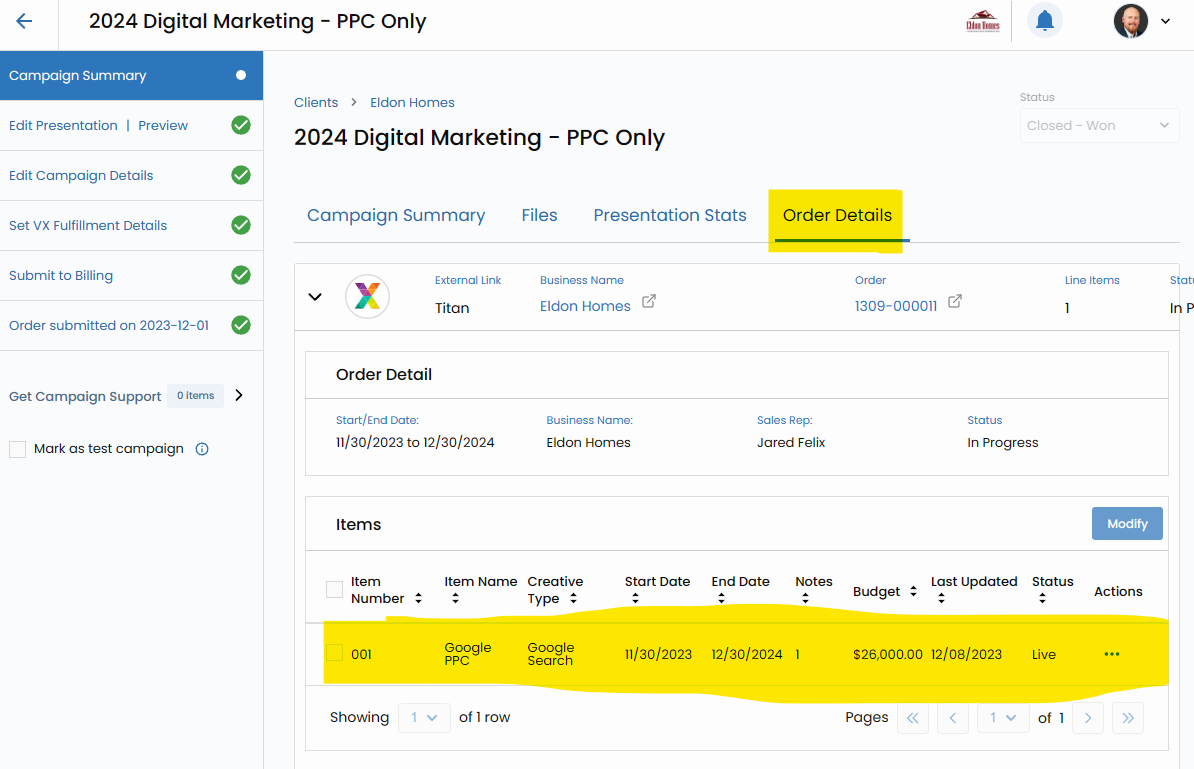
Order Status
Track the status of your active orders seamlessly within Vision VX. The Order tab within the Campaign Screen provides a real-time overview of your orders in progress.
Notes
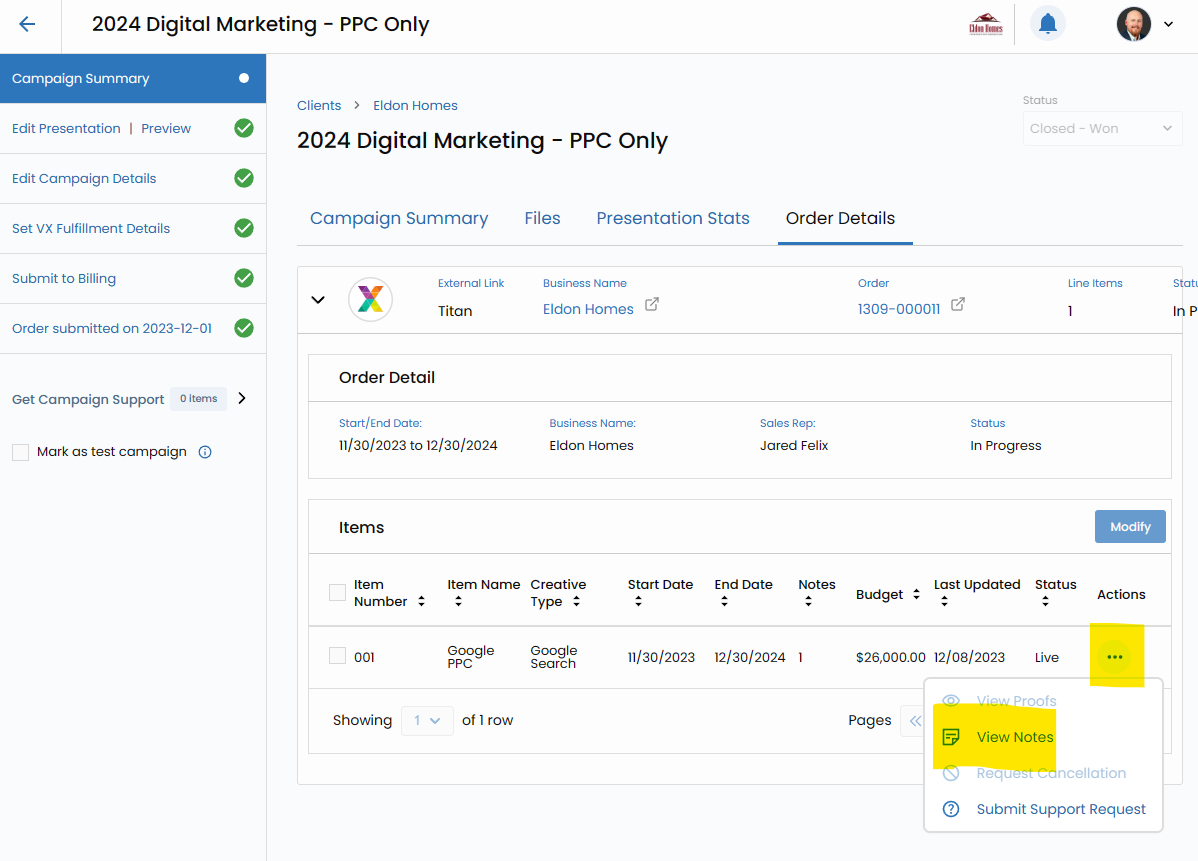
Enhance communication efficiency with Affinity X campaign managers through the notes fields. Any added notes are automatically transmitted to Titan, ensuring a clear and documented channel for communication.
Campaign Pacing & Reporting:
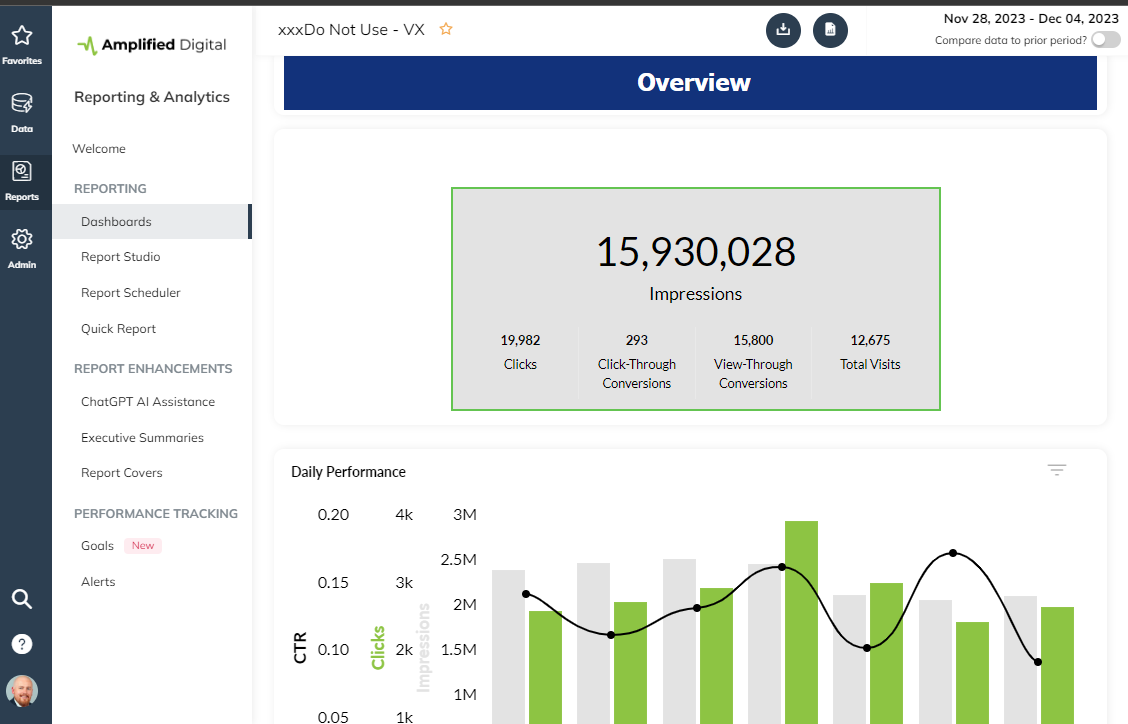
The culmination of the process involves leveraging the upgraded TapClicks reporting dashboards to monitor and analyze your campaign's pacing and performance.
In essence, the Sold Order Process in Vision VX transforms what could be a complex and intricate journey into a transparent and well-organized workflow.
From the inception of campaign details to the dynamic fulfillment orchestrated by Affinity X, every step is meticulously crafted for maximum visibility and efficiency. Elevate your order fulfillment experience with Vision VX, where clarity and collaboration converge for unparalleled success.